H5Game.Life field guide
Crazy Parking Guide
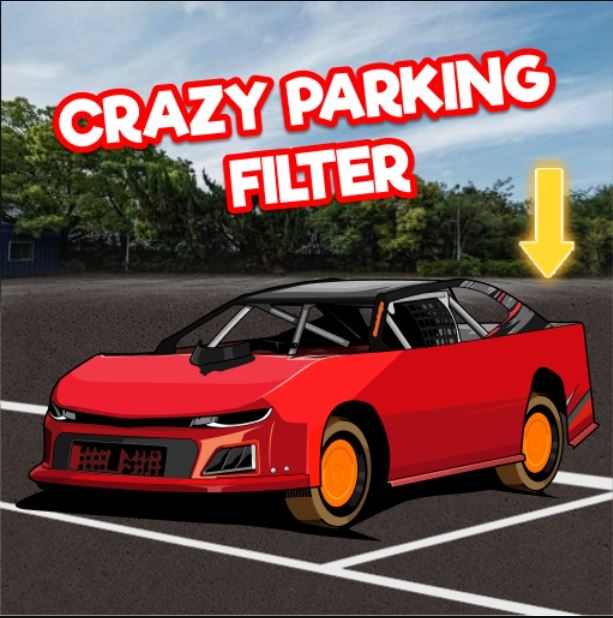
The browser check moved from the illustrated Crazy Parking title screen to its level selector.
Play Crazy ParkingHow the game works
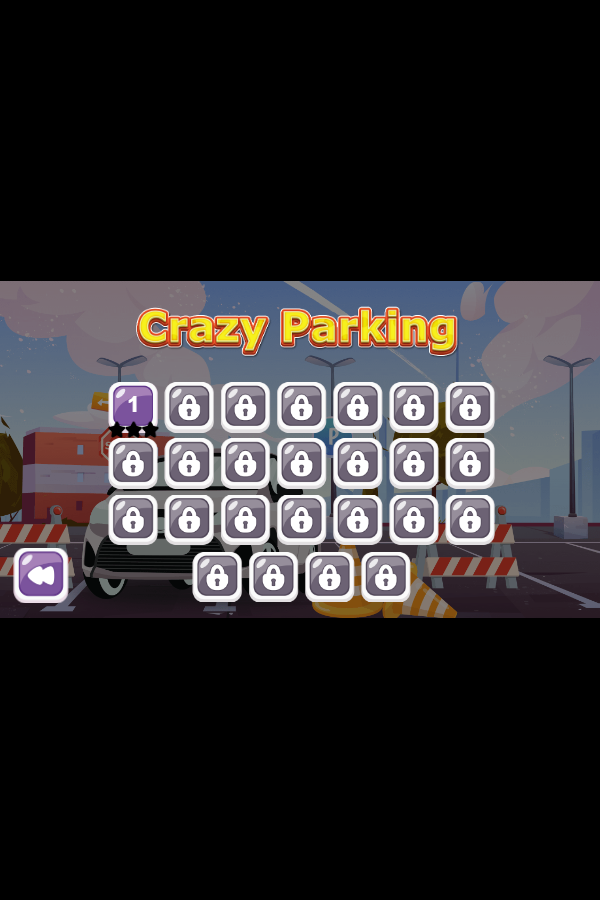
The browser check moved from the illustrated Crazy Parking title screen to its level selector. Level 1 was open and the later numbered buttons were locked, so progression is sequential rather than a free stage browser. That observed structure matters more than the catalog's generic racing label: the player begins with a discrete parking challenge and unlocks the rest after clearing earlier levels.
Controls
Press Play, choose an unlocked level, and use the level's on-screen steering or path gesture to move the car toward its parking objective.
Practical tips
- Begin with Level 1; the lock icons show that skipping ahead is not available at the start.
- Before moving the car, identify the parking target and the obstacle that leaves the narrowest clearance.
- Use the restart control after a bad route instead of trying to recover from a blocked angle.
Before you start
Checked in Google Chrome 150 at 600 × 900. The check confirmed the launch screen and level-selection state; it does not claim completion of any locked level.
Real browser check
- Checked
- July 30, 2026
- Browser
- Google Chrome 150.0.7871.187
- Viewport
- 600 × 900
- Scope
- Launch/render check only; not represented as a full gameplay review.
Why this game is in the edited collection
Selected because the self-hosted build loaded reliably and exposed an actual title screen, unlocked first level, locked progression, and stage-based structure.