H5Game.Life field guide
Mini Tennis 3D Guide
Mini Tennis 3D reduces tennis to quick rallies where the return timing steadily becomes more demanding.
Play Mini Tennis 3DHow the game works
Mini Tennis 3D reduces tennis to quick rallies where the return timing steadily becomes more demanding. The player must send the ball back and keep the exchange alive rather than manage a full simulation with complex movement controls. As the pace rises, pressing early is as costly as reacting late. Consistency is therefore more useful than trying to force every return.
Controls
Click or tap to perform the active tennis shot. Watch the ball rather than the opponent and time the input for its arrival instead of tapping repeatedly.
Practical tips
- Track the ball from the opponent's racket instead of waiting for the bounce.
- Use the first rallies to learn the contact timing before the pace increases.
- Recover attention to the center after each return rather than watching the previous shot.
Before you start
The published control is a mouse click or screen tap. Each input is used to return the incoming ball.
Real browser check
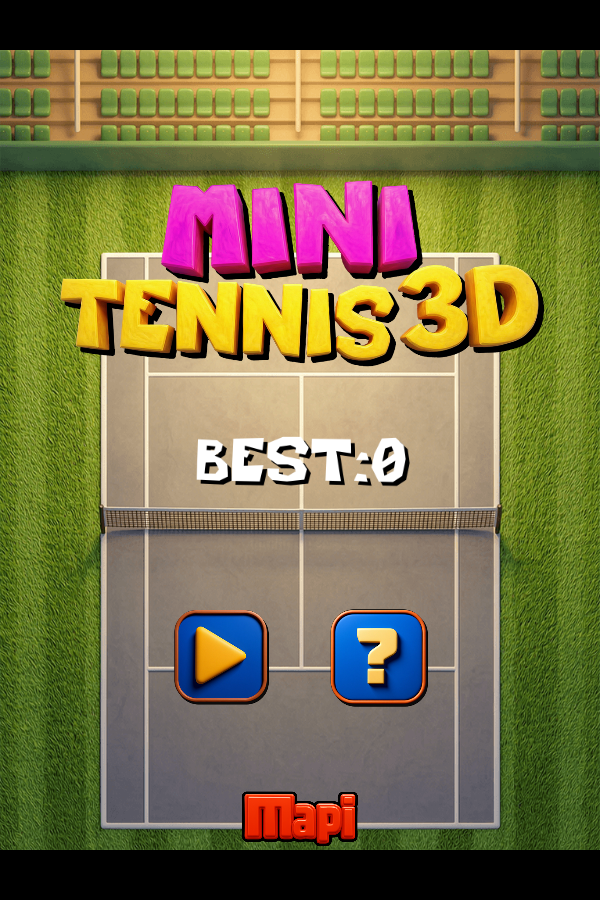
- Checked
- July 30, 2026
- Browser
- Google Chrome 150.0.7871.187
- Viewport
- 600 × 900
- Scope
- Launch/render check only; not represented as a full gameplay review.
Why this game is in the edited collection
Selected because the rally objective, increasing pace, single-action control, and score focus are clear from the source.